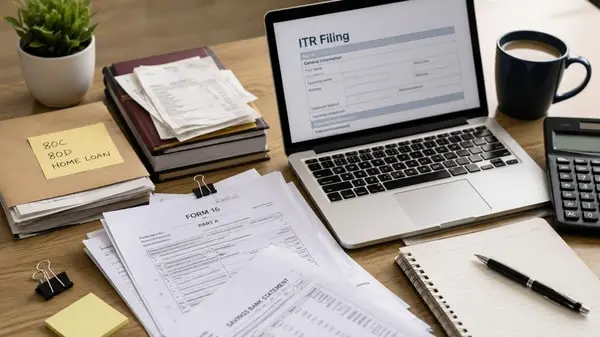
Filed your income-tax returns? Here's why you should complete e-Verification within 30 days — Stepwise guide
Jocelyn Fernandes
ITR filing: What is the deadline this year?
Why is e-verification required?
Steps to e-verify your ITR on income tax portal
Go to the income tax department's e-filing portal here (incometax.gov.in). Click on ‘e-Verify Return’.
You need to enter your PAN, assessment year for which the verification is being done (2025-26), and acknowledgment number.
Alternatively, you can also log in with your PAN and password, then go to “My Account” and then click “e-Verify Return”.
The new page will then display the file for which verification is pending.
Click on “e- verify” where you will be shown three options:
In case of successful e-verification, an acknowledgment will be sent to you.
Are there other way to complete e-Verification?
Can a representative complete e-Verification?
Aadhaar OTP: OTP will be sent to the number registered with Aadhaar.
Net Banking: EVC generated through net banking will be sent to the mobile number and email ID registered with the e-Filing portal.
Bank Account / Demat Account EVC: EVC generated through the pre-validated and EVC-enabled bank account / demat account will be sent to the mobile number and email ID registered with the e-Filing portal.
This article is provided by Mint, authorized for use, and represents solely the author’s personal opinions. Please contact us in the event of any potential infringement.
In our content creation process, we sometimes use AI tools to assist with research, drafting outlines, and summarizing data. All material is rigorously fact-checked by human editors, reviewed for accuracy, and aligned with our ethical standards. For more information, please visit our AI Policy